Why the Workflow Matters As Much As the Machine
The difference between a print shop and a manufacturing partner is what happens before and after the print. A print shop takes your STL, queues it, ships it. A manufacturing partner reviews the geometry against the application, flags problems before they become scrapped parts, selects material based on load cases and environment, and ships with documentation that connects the delivered hardware to a traceable production record.
When you send an STL without context, critical information gets lost: which surfaces are load-bearing, what the operating temperature ceiling is, whether a GD&T callout on the drawing is achievable with the selected process, what happens downstream if a critical feature is three-tenths out of tolerance. Recovering that information after a bad part arrives costs more time than a 30-minute review before the job runs.
The Builders Generation workflow runs seven steps for every production job — not as overhead, but because each step prevents a specific class of failure downstream.
Step 1: The Brief
Before anything goes on a machine, we need the full application picture. The geometry file is necessary but not sufficient.
What we need from you:
- Geometry — STEP or native CAD file preferred, plus a drawing with GD&T callouts for all critical dimensions
- Load cases — primary load magnitude and direction, secondary loads, shock and vibration exposure, thermal cycling range
- Operating environment — sustained temperature range, chemical exposure, UV exposure, moisture and humidity
- Timeline and quantity — single prototype, bridge production, or recurring production run
- Documentation requirements — none, CoC only, AS9102-style FAI, FAR 25.853 material compliance, NASA ASTM E595 data, or program-specific equivalents
The brief takes 20–30 minutes to complete properly. It eliminates the two most common failure modes: wrong material for the application, and geometry that cannot be built to the tolerances called out on the drawing.
Step 2: DfAM Review
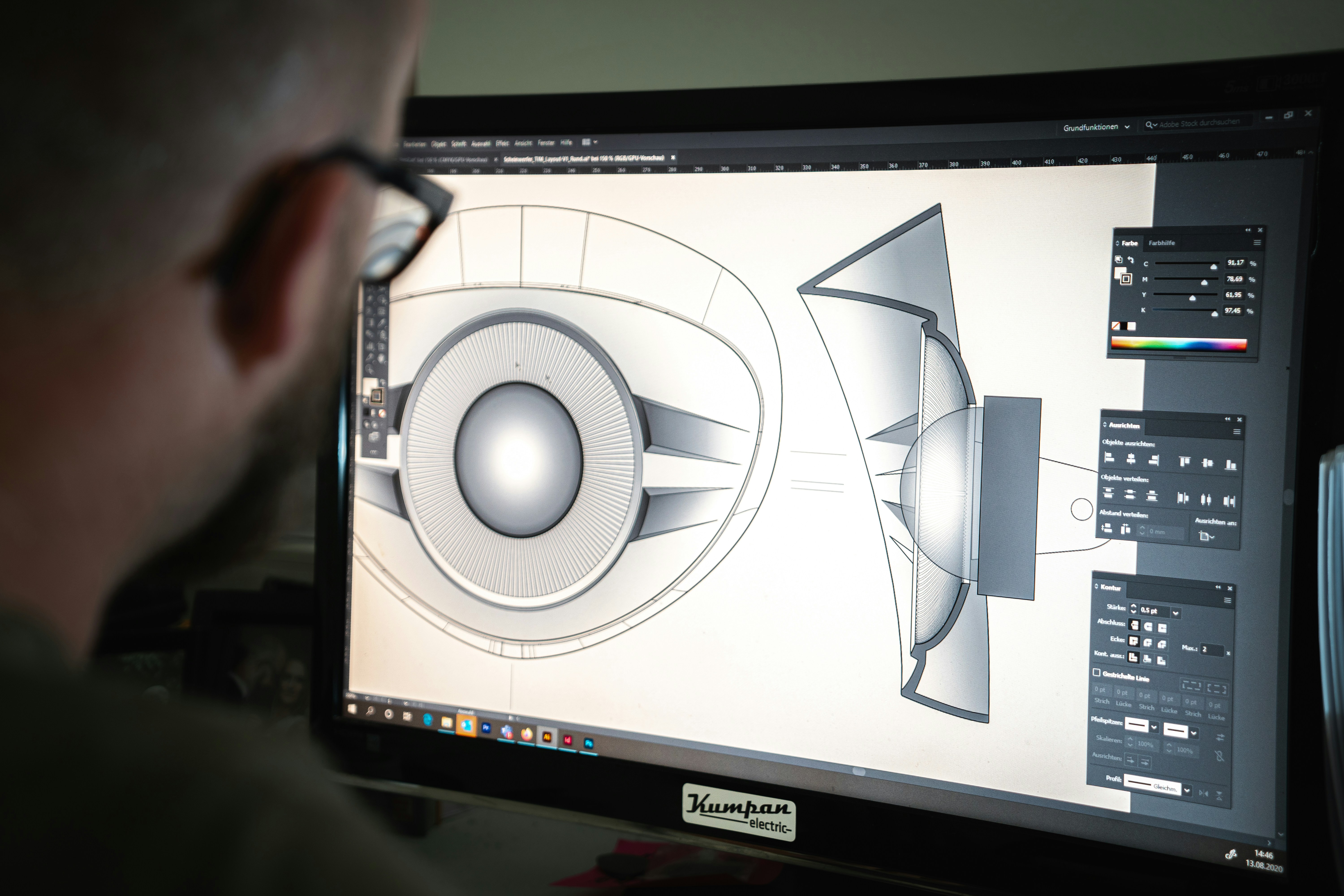
Design for Additive Manufacturing review happens before a single parameter is loaded.
What we check:
- Build orientation — where do the layer interfaces fall relative to the primary load paths? Z-direction inter-layer bond strength is 30–40% lower than XY-plane strength in most high-performance polymers. Critical tensile paths must run in XY.
- Wall thickness — minimum feature sizes are material-specific. PEEK and ULTEM require minimum walls of 0.8–1.0 mm. CF-filled materials have minimum wall constraints driven by fiber length and flow behavior.
- Support strategy — which surfaces require support, how is support accessed for removal, and what is the surface quality requirement on support-contact faces? Mating surfaces and sealing faces cannot tolerate support witness marks.
- Interface geometry — mating features, press fits, and clearance fits must be reviewed against the process capability of the selected material.
- Material compatibility — some geometries cannot be built in the required material without redesign.
Red flags we flag before running:
- Unsupported overhangs beyond printability limits (>45° from vertical without support in semi-crystalline polymers)
- Wall thicknesses below material-specific minimums — PEEK below 0.8 mm, PA-CF below 0.6 mm
- GD&T callouts tighter than process capability: ±0.1 mm on PEEK is achievable post-anneal; ±0.05 mm requires secondary machining
Step 3: Material Selection
Values and material recommendations are representative starting points. Final selection should be validated against the exact load case, environment, material supplier, build orientation, post-processing plan, and documentation requirement.
| Primary Driver | Recommended Material | Notes |
|---|---|---|
| Temperature > 200 °C sustained | PEEK, CF-PEEK | Semi-crystalline; requires chamber printing |
| Temperature 150–200 °C | ULTEM 9085, ULTEM 1010, PPS-CF | ULTEM where FAR 25.853 material compliance matters; PPS-CF for chemical exposure |
| Temperature 120–150 °C | PC-CF, CF-PEEK | PC-CF for impact; CF-PEEK for stiffness |
| Temperature < 120 °C | PA-CF, ASA | PA-CF for structural; ASA for UV exposure |
| Chemical exposure (fuels, solvents) | PPS-CF | Highest chemical resistance in FFF portfolio |
| Weight-critical, stiffness-driven | CF-PEEK, PA-CF | CF-PEEK specific stiffness approaches aluminum |
| FAR 25.853 (cabin flammability) | ULTEM 9085 | Material data can support compliance review without adding a coating in many workflows |
| Space outgassing (ASTM E595) | CF-PEEK, PPS-CF | TML < 0.5%, CVCM < 0.02% without bakeout |
| Impact at sub-zero temperatures | PC-CF | Ductile to -40 °C |
Step 4: Print
Print parameters for production jobs are controlled in process records, not adjusted casually run-to-run.
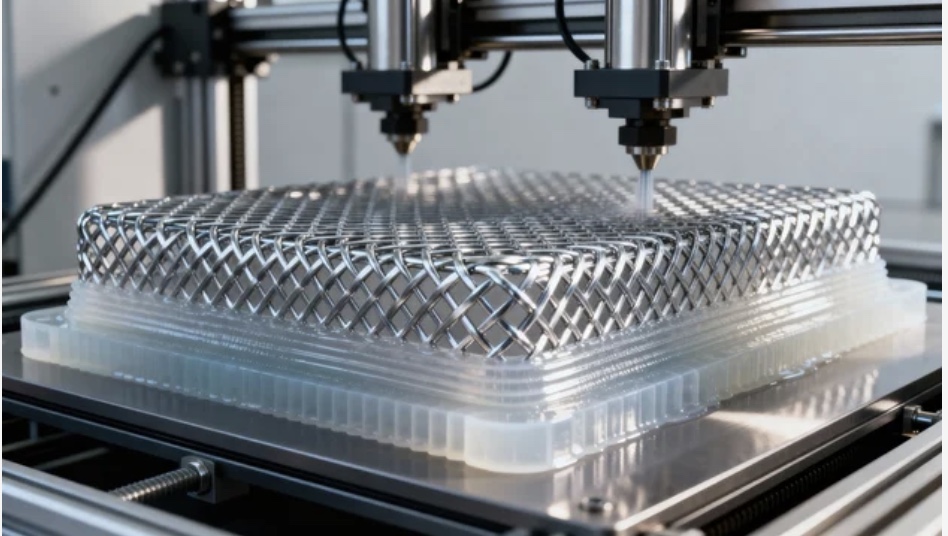
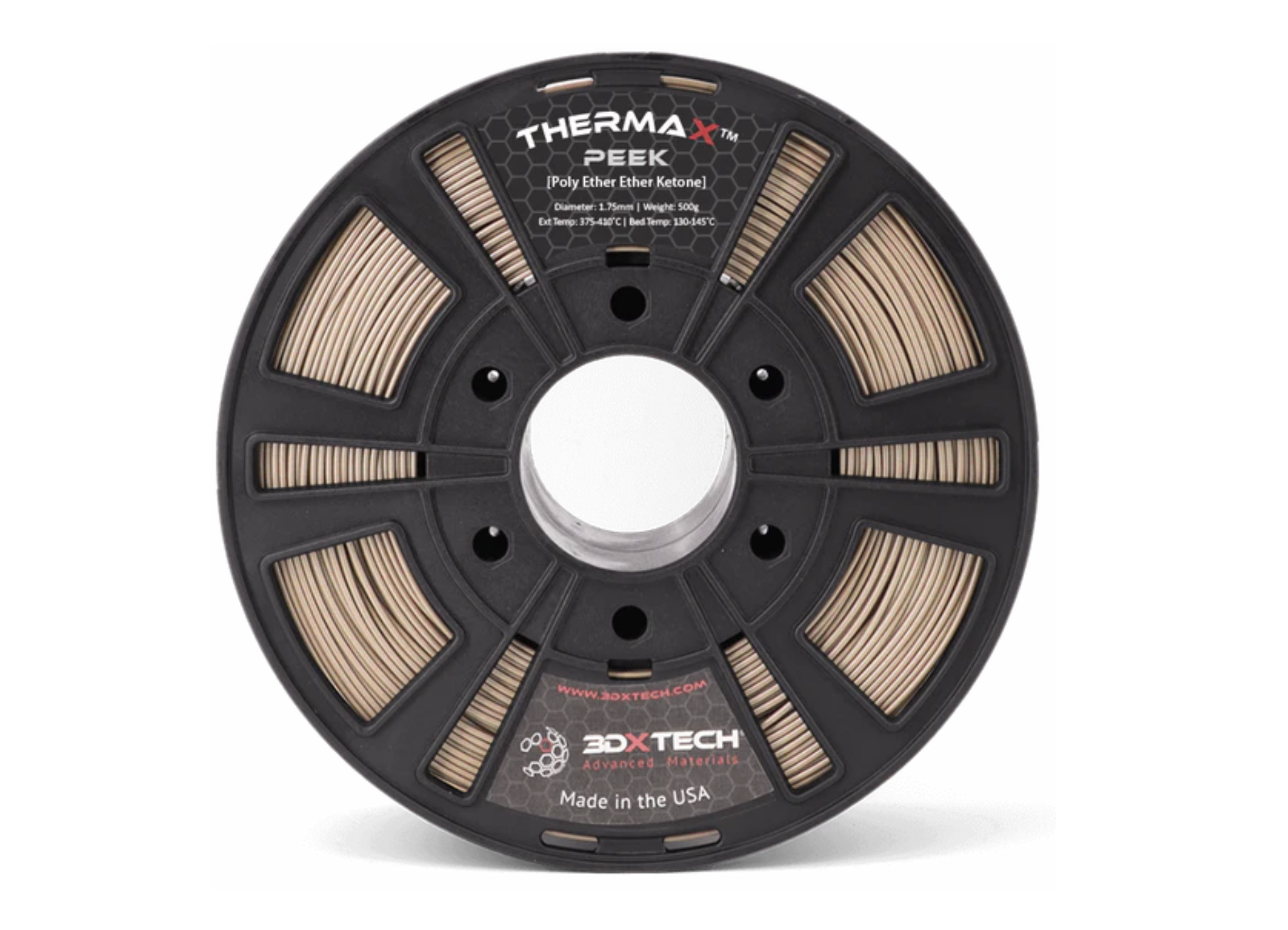
For a qualified PEEK job, the process plan may call for elevated nozzle, bed, and chamber settings plus a controlled anneal. Semi-crystalline polymers require thermal control throughout the build to manage crystallisation rate. Chamber temperature deviation can cause residual stress, warping, and reduced mechanical properties.
Material used in a production run is logged by manufacturer lot number when the supplier provides lot-level documentation. That lot record ships with the job documentation when required by the program.
Step 5: Post-Print Processing
Parts do not go from printer to shipping box.
Support removal quality directly determines surface quality on mating and sealing features. Support witness marks on critical surfaces are treated as a non-conformance.
Annealing protocol for semi-crystalline polymers: PEEK and ULTEM parts may undergo a controlled anneal cycle to complete crystallisation and relieve internal stresses. The anneal plan is set by material, geometry, and acceptance criteria. Forced-air fast cooling is avoided when dimensional stability matters because it can reintroduce thermal stress.
Expected dimensional change post-anneal: < 0.3% linear for PEEK, < 0.2% for ULTEM 9085.
Step 6: Dimensional Inspection
Every production part is inspected against the critical dimensions called out on the customer's drawing.
Results are recorded in a dimensional inspection report with nominal dimension, measured value, tolerance, and pass/fail for each feature. A feature that fails its callout triggers quarantine of the part. We do not ship out-of-tolerance parts and report them as passed.
Step 7: Documentation Package
The documentation package ships with every production run — not as an optional add-on.
Standard documentation for every job:
- Certificate of Conformance (CoC) — certifies that parts were manufactured per the specified process and conform to drawing dimensions within stated tolerances
- Dimensional Inspection Report — feature-by-feature measured vs. nominal table
- Process Parameter Record — locked print settings, machine identifier, chamber temperature log, date of manufacture
- Material Lot Traceability — material manufacturer, grade designation, lot number, receipt date
For aerospace and defense programs: AS9102-style FAI when required, material certifications from the raw material manufacturer when available, and non-conformance records.
Turnaround Times by Material Tier
| Material Tier | Typical Turnaround | Documentation |
|---|---|---|
| Standard (ASA, ABS, PC) | 3–5 business days | CoC, Dimensional Report |
| Engineering (PA-CF, PC-CF) | 5–7 business days | CoC, Dimensional Report, Process Record |
| High-Performance (ULTEM, PPS-CF) | 7–10 business days | Full package including lot traceability |
| Premium (PEEK, CF-PEEK) | 10–14 business days | Full package + qualification-support documentation |
What Makes This Different From a Print-on-Demand Shop
DfAM review is included, not billed separately. Problems found before the machine runs cost 30 minutes. Problems found after shipment cost a revision cycle.
Material parameters are locked, not variable. A PEEK job run today uses the same parameters as a PEEK job run six months ago.
Documentation is standard, not an add-on. Production jobs can include a CoC and dimensional inspection report, with additional records scoped for programs that need more.
We will turn away jobs where the material or process is wrong for the application. If a geometry cannot be built to the tolerances on the drawing in the requested material, we say so at the DfAM review stage rather than printing a part that will fail incoming inspection.
The build is the smallest part of the job. The brief, the review, the inspection, and the documentation are what determine whether the hardware deploys and stays deployed. That is the work we do on every production run at Builders Generation.